Getting Started
Broken Files
If you see black screens or missing sources in OBS, your file paths may have been altered.
Why does this happen? OBS relies on exact file paths to locate your media assets (e.g., C:/Overlays/file.mp4). If you rename, move, or reorganize your folders after setup, these links may break, resulting in missing files or black screens.
How to fix it:
When opening OBS, you may see a “Missing Files” prompt.
Click the
Search Directory...button.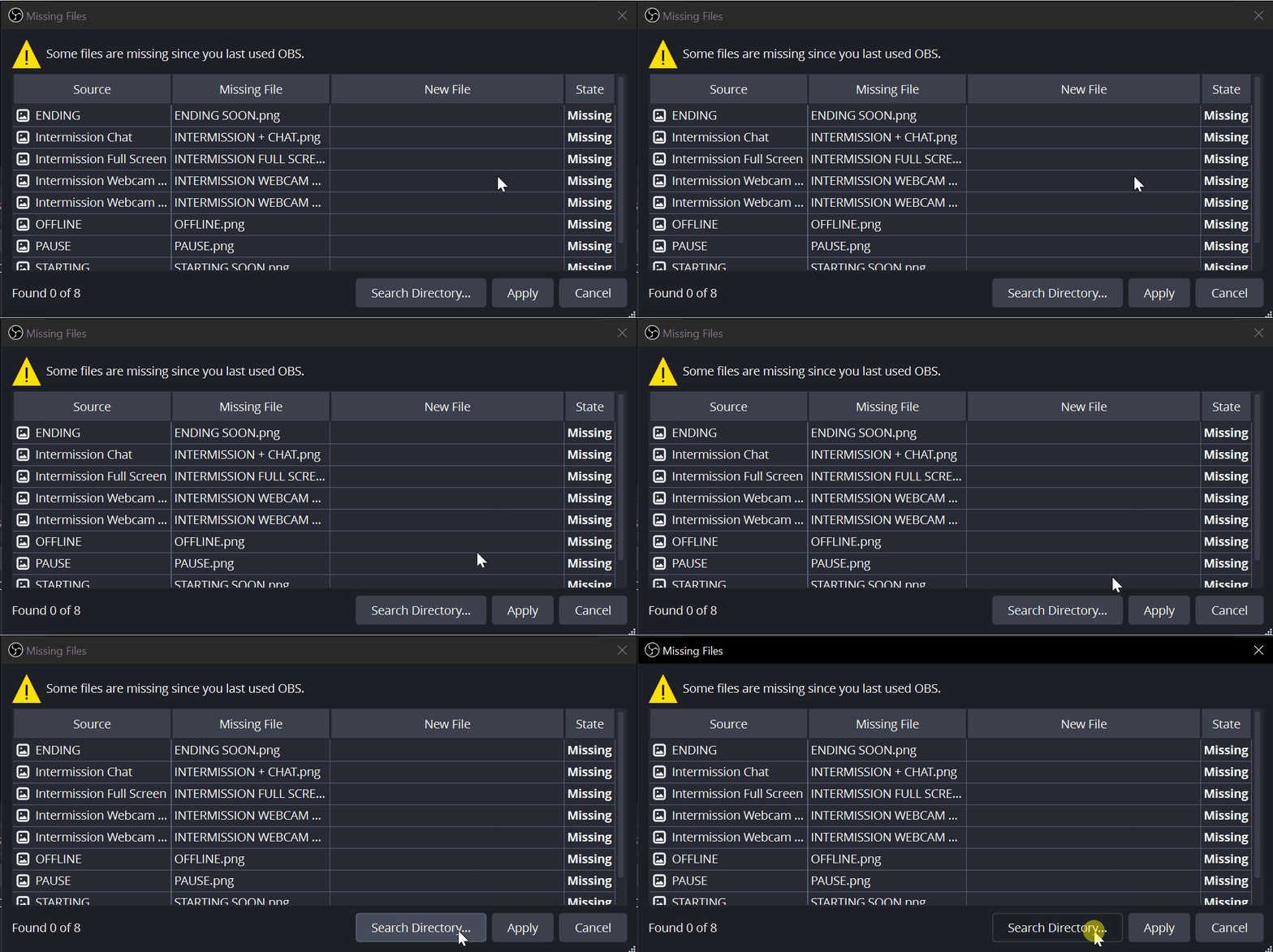
Navigate to the new location where your files are stored and select the correct file.
Pro Tip: After locating one file, OBS can often automatically detect the rest if they are stored in the same folder. Simply click “Search Again” or “Apply” to relink the remaining assets.
Any other questions? Get in touch